Convert
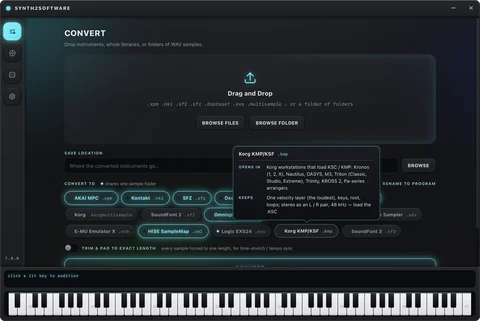
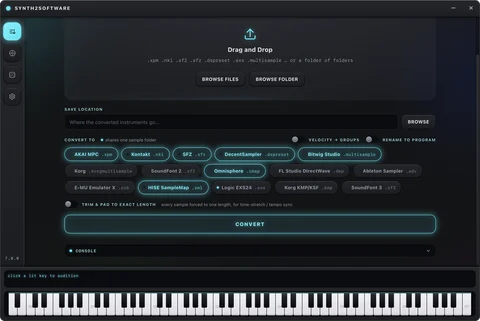
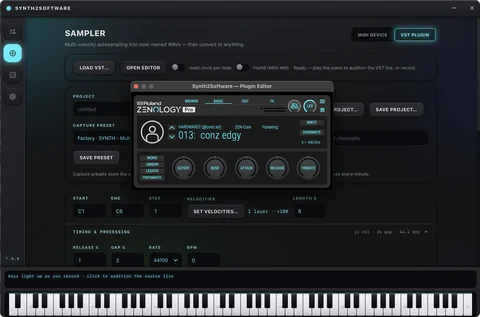
Convert thousands of instrument/sample libraries at once, and rename every sample to match its program.
Get the most out of your synths and sample libraries. From $20 a month, or own it from $150 with free updates.

Supported synth randomizers
Find the edition that fits what you actually do. Every one-time purchase is yours to keep, with free updates — no edition ever stops working.
The free build is the whole desktop app and the Randomizer Plug-in, with a daily usage limit for every feature. Choose an edition when you want more.
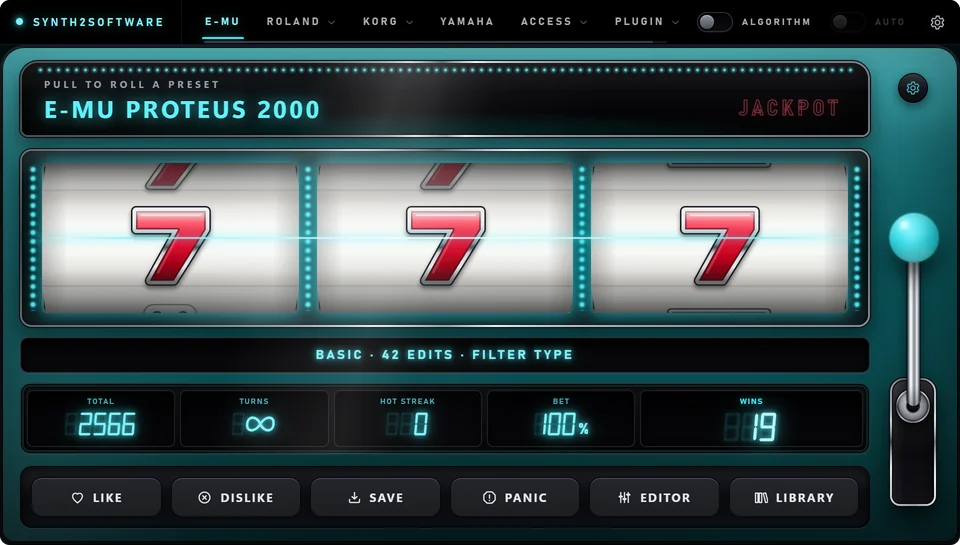
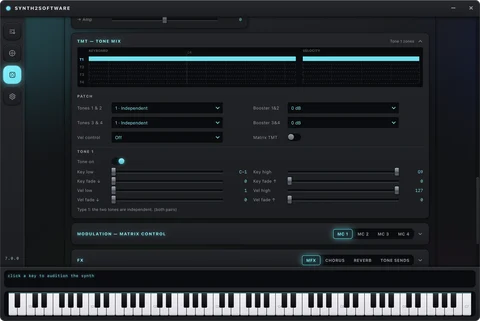
Randomize, edit, auto-sample and convert: eight randomizers on a real slot machine, patch editors, a multi-layer sampler and 15 sample-library formats.
Buy it to own and get every new feature for free.
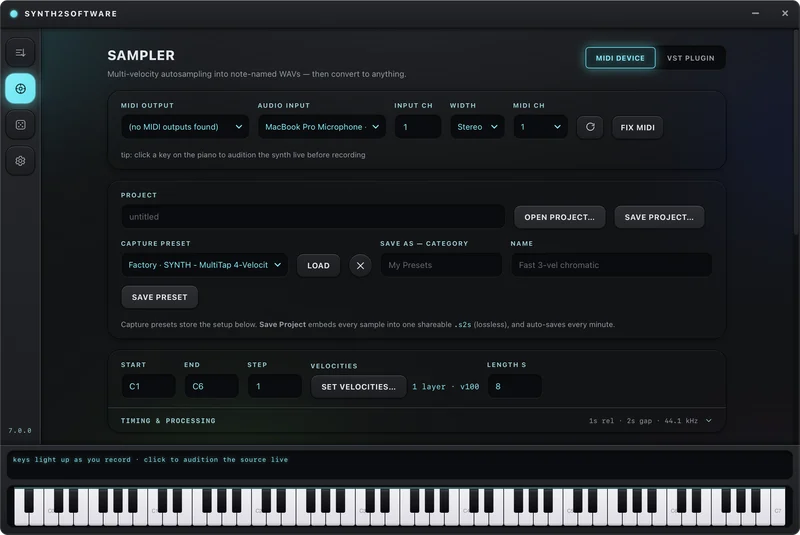
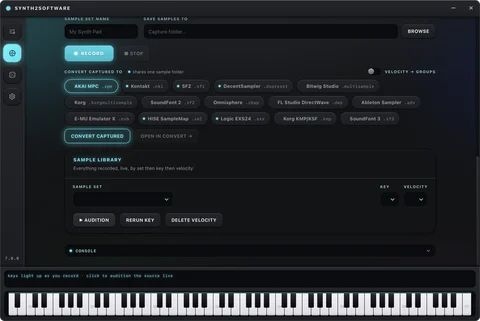
Generate new sounds, sample the sounds then convert all of the sounds into libraries compatible with other software.

4.8247 ratings
Sample reviews — shown in the local preview only, never on the live site.
“Pulled the lever on my Proteus 2000 for an hour and kept forty patches. Thought this was just going to generate random noise, but no most presets are usable and sound crazy!
“Converted my whole Kontakt library to MPC keygroups overnight. Loaded the .xpm files on my MPC Key 61 and all samples play correctly across the keyboard.”
“The Fantom-X editor alone was worth it. You can't get Roland's Fantom-X Editor on Mac anymore, so being able to make patches from Synth2Software has been great.”
“Made a Serum 2 bank with it, this thing generates crazy sounds.”
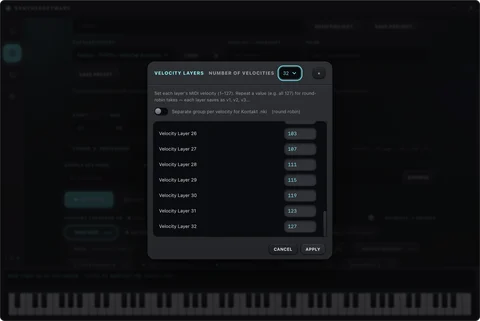
“Auto-sampled my Audity 2000 with three velocity layers and it mapped everything for me. Loaded straight into Kontakt.”
“My Xtreme Lead sat unused for years. Now I roll a few presets every session and actually use them.”
“Expansion mode rolled 250 presets in one go and grouped them in the library. Named the bank and moved on.”
“Runs inside FL Studio as a plug-in and drives Serum 2 from the slot machine. Didn't expect it to be this fun.”
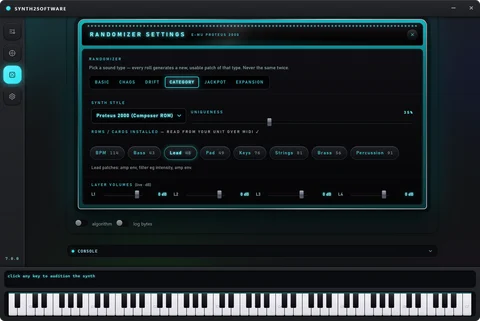
“Category mode keeps the rolls usable. A few came out too wild for me, but the ♥ button sorts that out fast.”
“The manual is properly written. Every screen explained, and the ? button opens it right where you are.”
“Nothing gets written to the synth unless I press Save. That alone made me trust it with my XL-7.”
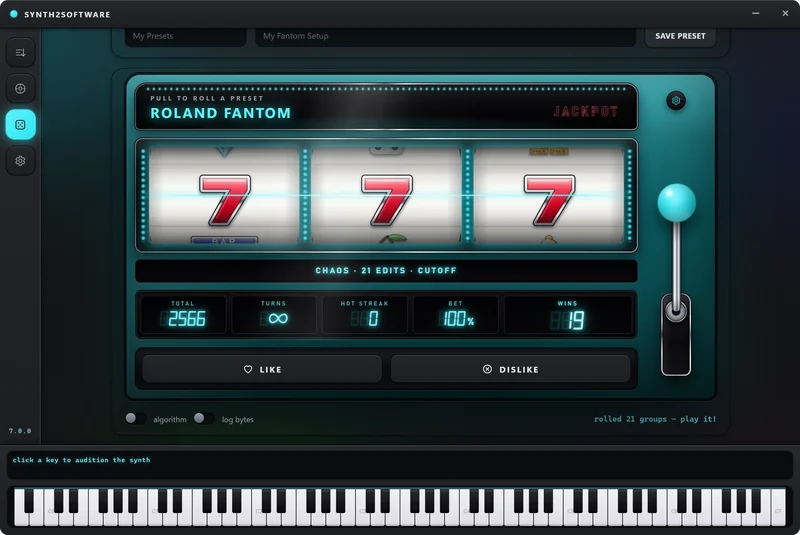
“Jackpot mode is ridiculous in the best way. Won a free week on my third day and rolled about 400 presets.”
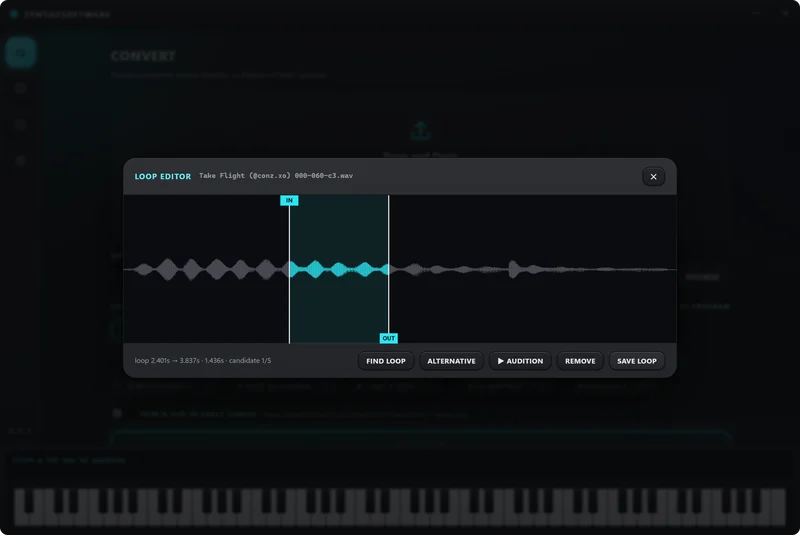
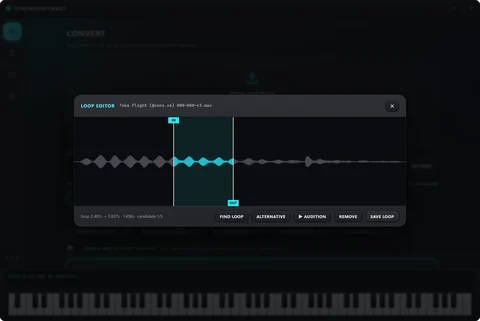
“I sample a lot of hardware for my own packs. The loop editor finds clean loop points I'd have spent ages on.”
“Great on the Virus TI. Took me a minute to find the Synth Style setting, but the guided tour pointed it out.”
“The Proteus filter rolls are the best I've heard from any randomizer. Real movement, not just noise.”
“Turned a folder of WAVs into a playable SFZ instrument in two clicks. Pitch detection got every note right.”
“Dexed and the DX7 both work from the same tab. FM patches I'd never have programmed myself.”
“Bought the desktop edition and the updates keep coming free. 7.0.0 felt like a whole new app.”
“Really good converter. I'd love even more formats, but it already covers everything I load day to day.”
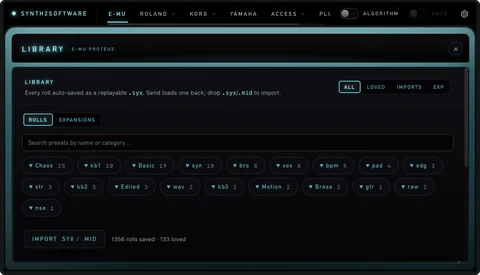
“The library keeps every roll, so I never lose the one I liked ten pulls ago. Hearts make it easy to find.”
“Basic mode on the Proteus is perfect for pads. Gentle changes, always playable, never boring.”
“Set up in ten minutes with my USB MIDI interface. Connected to the E-MU first try.”
“The plug-in in Ableton is now part of my writing routine. Pull, play, keep or skip. Fast.”
“Edits are deep on the E-MU side. The Korg editor is lighter, but the rolls there still sound great.”
“I run a small sample-pack label. Rename-to-program saved us from broken references in every format we ship.”
“Chaos mode on the Fantom made sounds my synth has genuinely never made. Some wild, some gold.”
“The design is beautiful. Dark, clean, feels like real hardware. And it's quick.”
“OsTIrus plus the randomizer is a deadly combo. Every pull is a fresh Virus patch.”
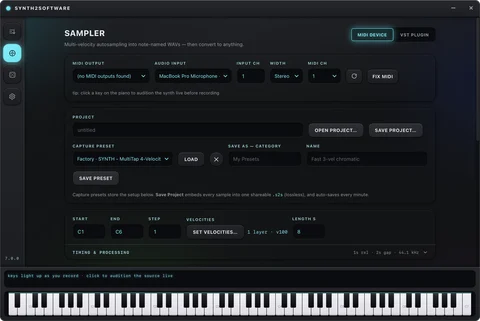
“Love the auto-sampler. Plug-in sampling took one try to set up, then it ran through 61 keys on its own.”
“The free version let me check it worked with my Mo'Phatt before buying. It did, so I bought it.”
“I mostly use the converter. Emulator X banks into Kontakt was the thing I'd been looking for for years.”
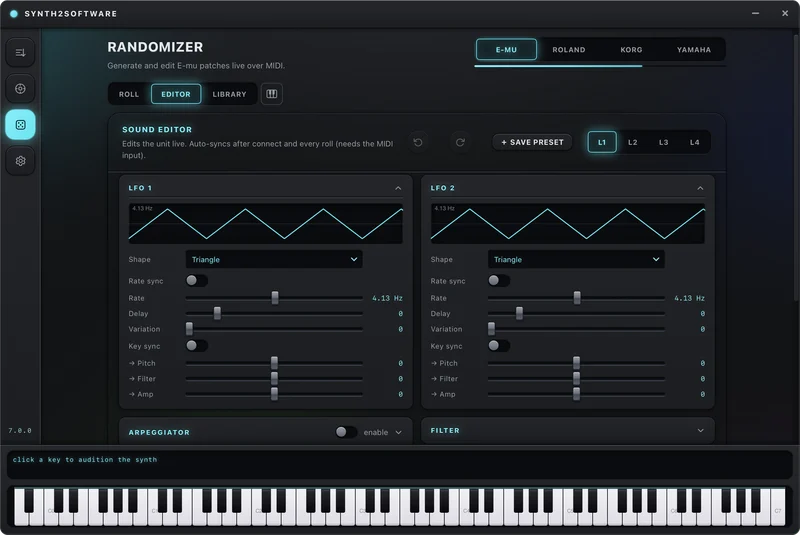
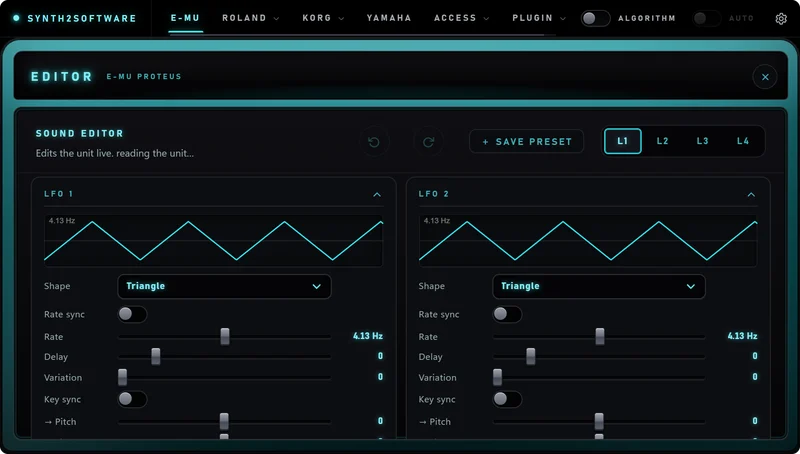
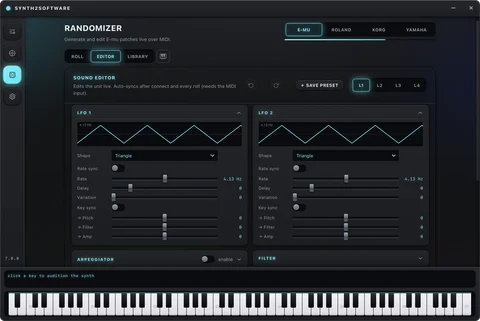
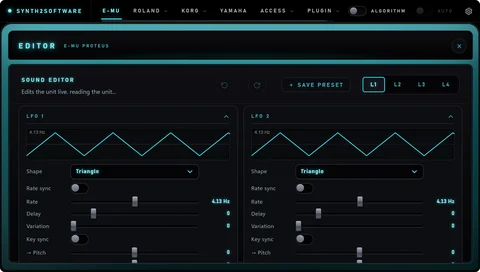
“The step LFO and arpeggiator editors on the Proteus are better than the front panel ever was.”
“Rolled a full bank for a client in an afternoon. They thought I'd spent a week programming it.”
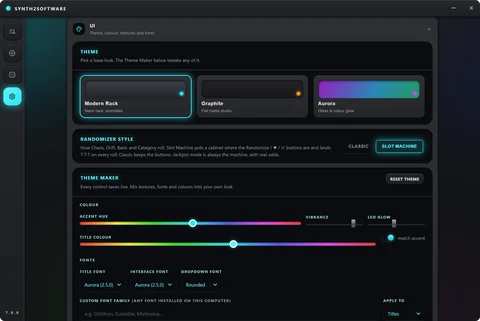
“Solid tool. I'd like a light theme, but the theme maker lets me get close enough.”
“The win line tells you what changed on every roll. I learned more about my synth in a week than in years.”
“Serum 2 rolls with real modulation and audible sources every time. No more silent patches.”
“Being able to sell my rolled expansions is a nice bonus. The banks look great with cover art.”
“The Korg M3 support is what sold me. Nobody else touches that synth.”
“Very good overall. The odds table in Jackpot took a read to understand, but the ? explains it.”
“I teach synthesis, and the editors make an E-MU's guts finally visible to students.”
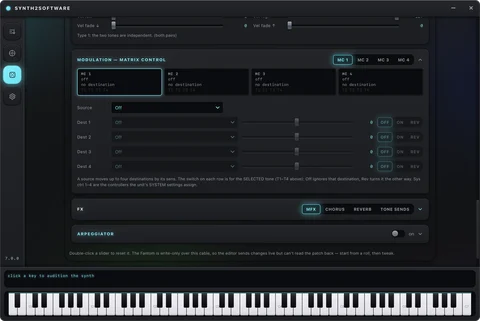
“The arpeggiator randomizing on the Fantom is pure inspiration. Instant loops to write over.”
“Converted a SoundFont collection to Bitwig multisamples without touching a single file by hand.”
“Customer support answered fast and the fix was in the next update. Rare these days.”
“Great value monthly. The yearly plan would be my pick if I'd known how much I'd use it.”
“Sampled my Vintage Pro into a Korg KMP for my Kronos. It just worked.”
“Four jobs in one app and none of them feel tacked on. The converter is as good as the randomizer.”
“My go-to for fresh sounds when I'm stuck. Ten pulls and there's always something to start a beat.”
“DX7 Chaos rolls are unhinged and I love it. Category mode reins it in when I need bass.”
“Works great on Windows and on my Mac. Took one evening to learn the basics, then it was all fun.”
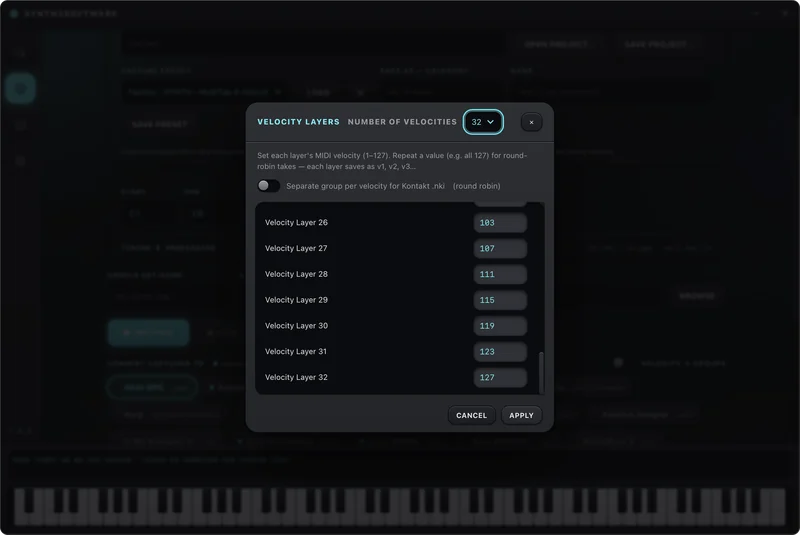
“The velocity-layer capture is so clean. My sampled Proteus sounds like the real thing in Kontakt.”
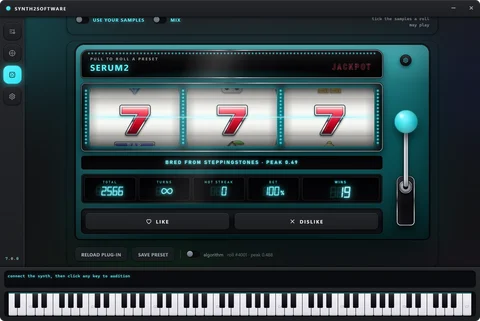
“The slot machine readouts make it feel like a game, but the presets are seriously usable.”
“Browser Studio means I can roll on the laptop at a friend's place with nothing installed.”
“Imported my old .syx files and the library picked them right up next to my new rolls.”
“A lot of features, so it takes a little learning. The guided tour on first launch helps a lot.”
“Synth Style lets my Proteus roll in the style of a Fantom. Didn't know I needed that.”
“Every update has added something real. Paying once and getting all this is a great deal.”
“The JUNO-DS tab rolls great leads. A couple of pulls and I had my hook.”
“Converted, sampled, rolled and edited all in one evening. This replaced three apps for me.”
“Love that it talks straight to the hardware over MIDI. No drivers, no editors from 2002.”
“Really fun and really useful. I'd buy a second edition for my studio partner without thinking.”
A 107-page Owner's Manual, a guided tour on first launch, and the real interface to try right here in your browser.
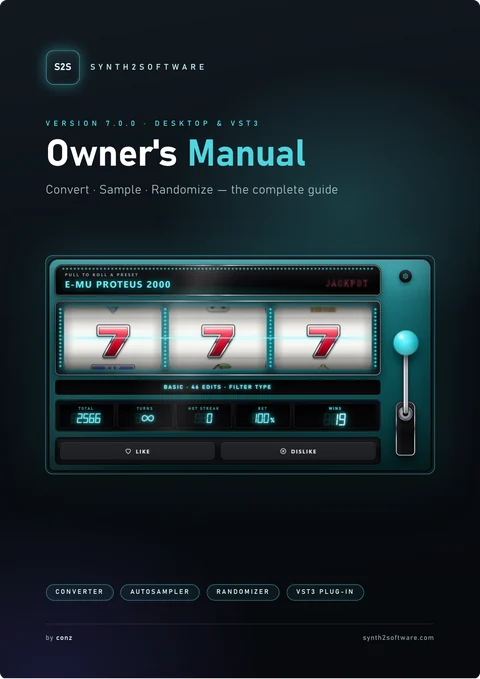 The Owner's Manual107 pages, every screen explained. It ships with the app and opens from the ? button on Settings.
 The first time you open Synth2Software, a guided tour walks you through every page — the slot machine, the editors, the library — and rings each control as it goes.
?Guided tourSkip it any timeNothing is written to your synth's memory unless you press Save on it. Every roll lands in the temporary patch, and in your Library.
✓Safe on your hardwareEvery synth, every mode From the producer behind itBeat-making tutorials on YouTube · @1conzxo
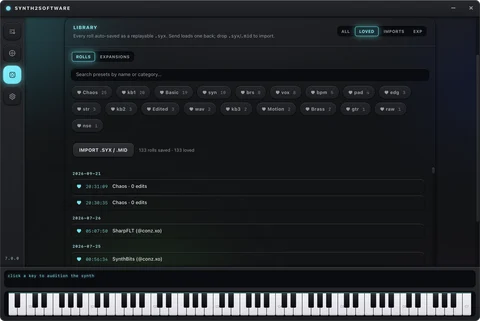
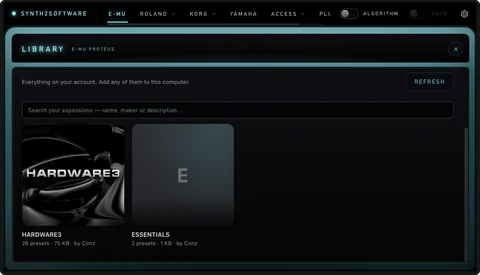
 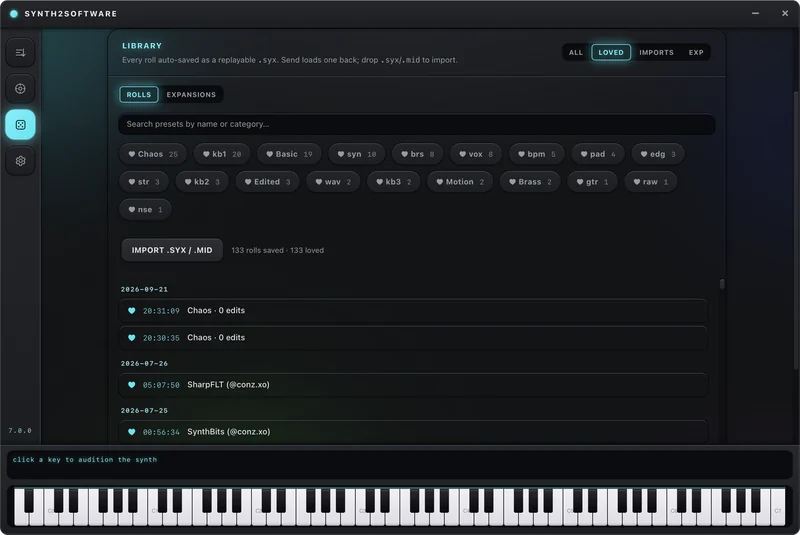 Every roll is savedSearch, heart, rename, and group rolls into expansions.
 New kits, new synths and every update first — and where Jackpot kit winners claim their prize.
@@conz.xoon Instagram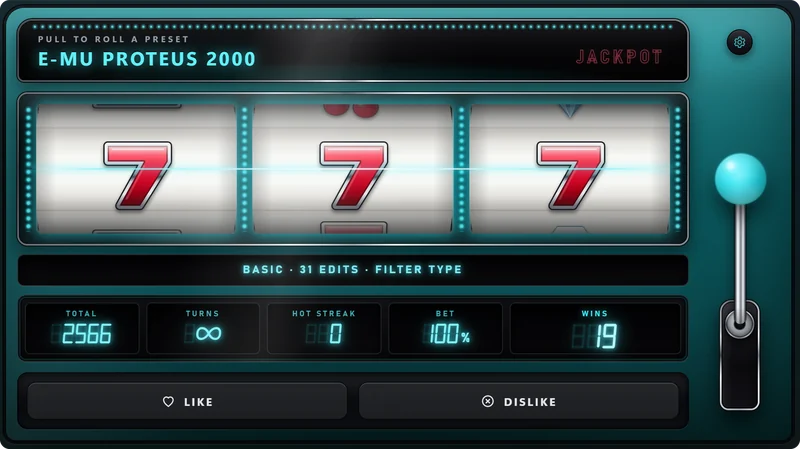
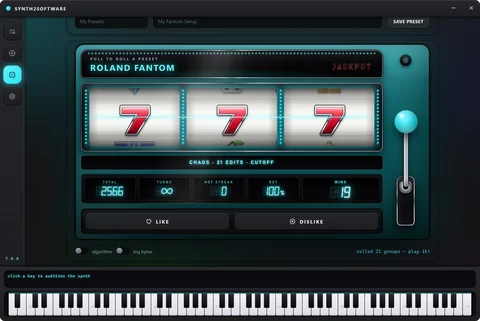
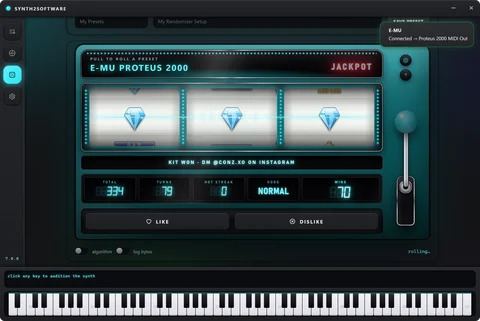
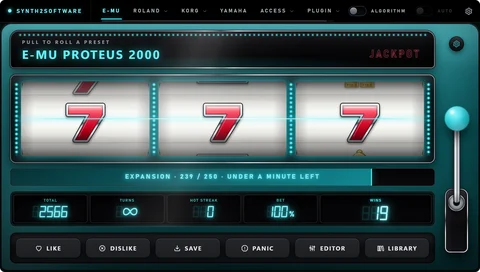
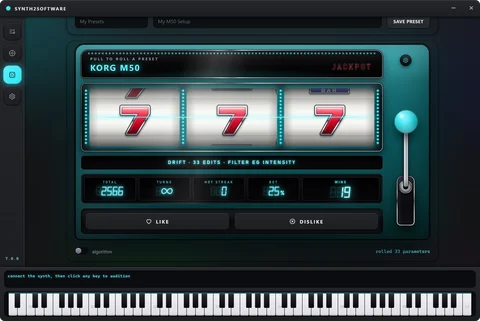
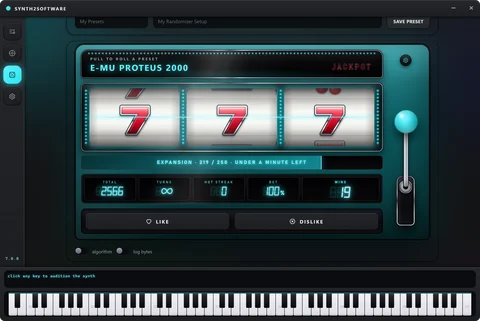
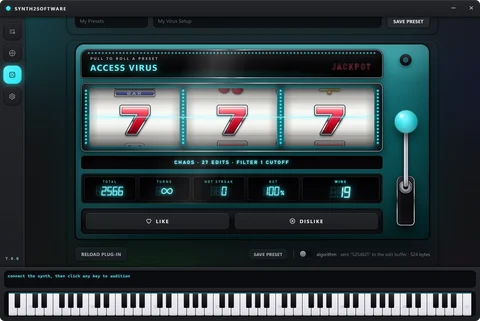
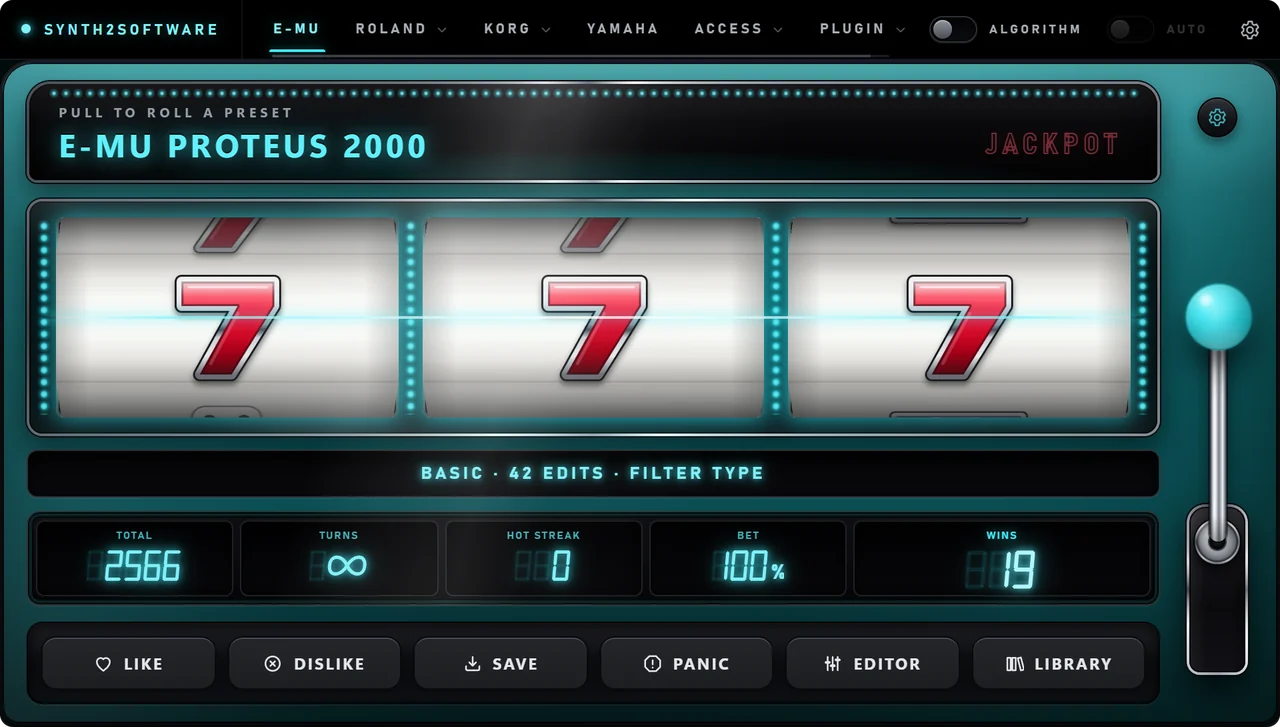
Every randomizer now opens in a slot machine. Pull the lever, let it roll and play the preset it generates.
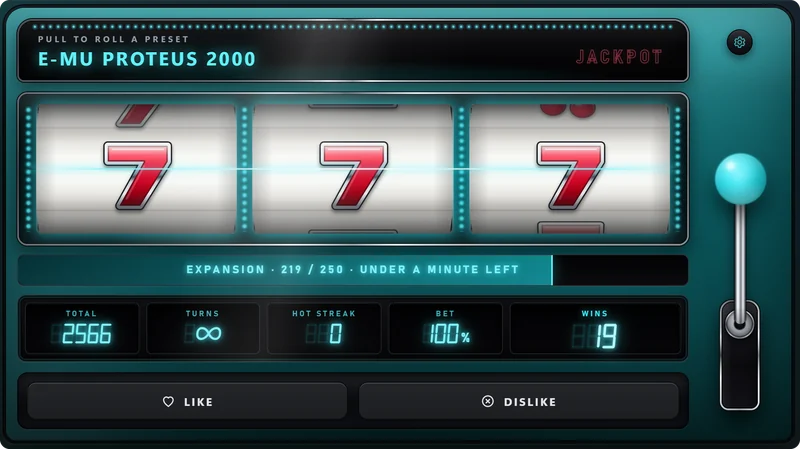
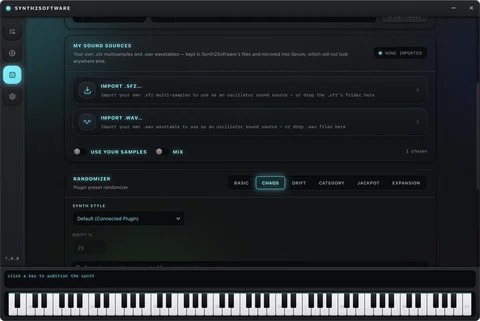
Roll anywhere from 2 to 1,000 presets in one go, on all eight randomizers. The bank lands in your Library as its own expansion.
Press ? on Settings — in the desktop app or the plug-in — and the Owner's Manual opens. The first launch walks you through every page.
Bring the hardware you already own. Leave with sounds it has never made before.