Features
From a synth on a rack to libraries in your DAW — randomize, edit, auto-sample and convert, in one app.
Everything between your synth and your DAW
Get the most out of your synths and sample libraries.
Available on Windows and macOS · desktop app and VST3 plug-in

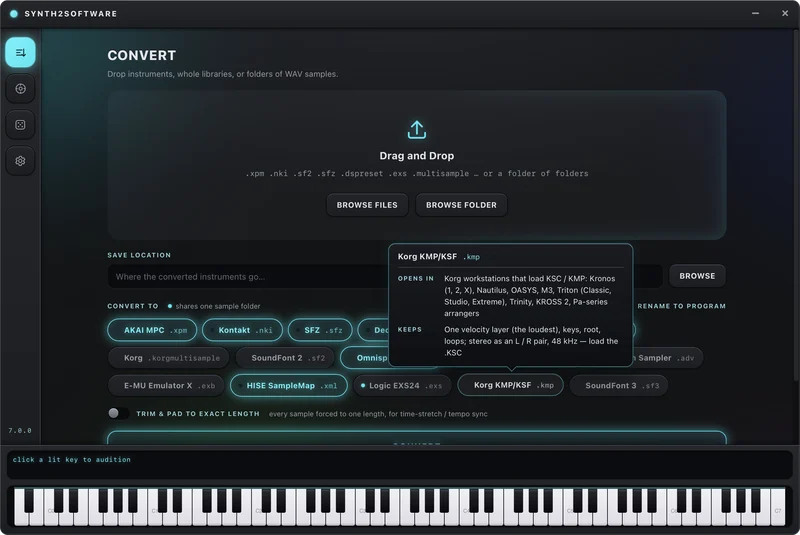
Convert
Convert thousands of instrument/sample libraries at once, and rename every sample to match its program.
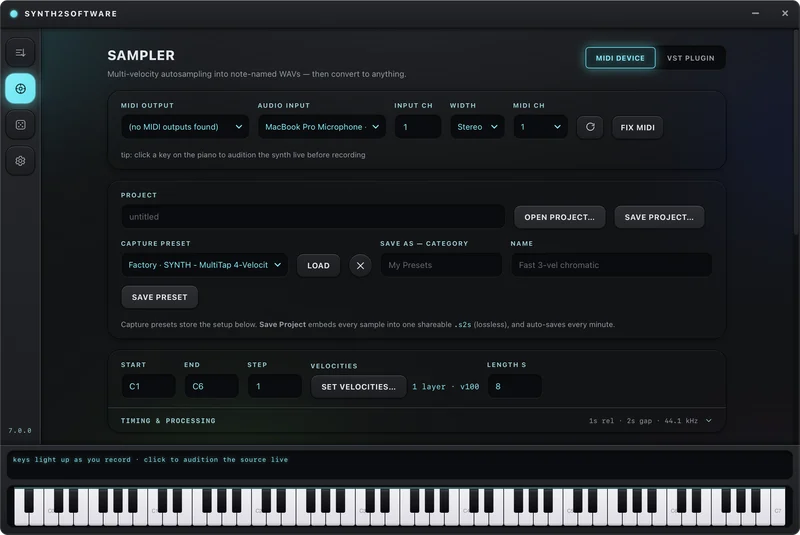
Auto-Sampler
Auto-sample any MIDI device or plugin, with multi-layer velocity capture, loop detection and note mapping handled for you.
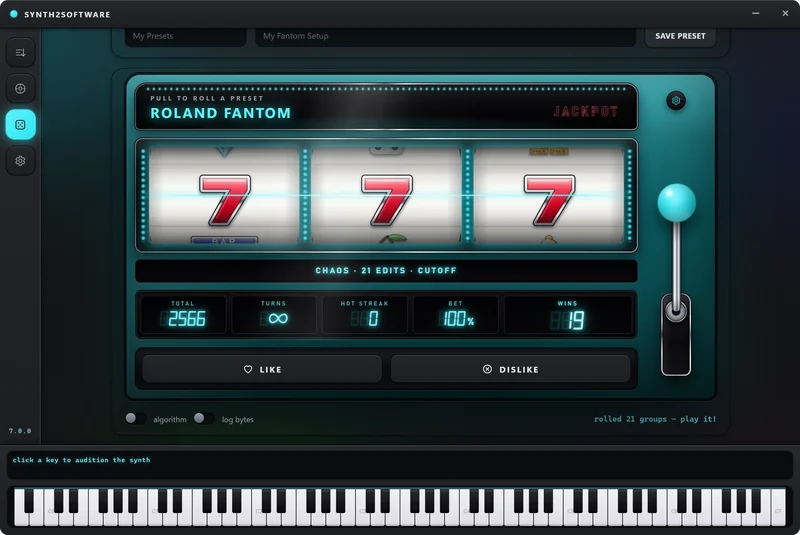
Randomize
Pull the lever and roll a brand new preset straight onto your synth via MIDI Out.
Edit
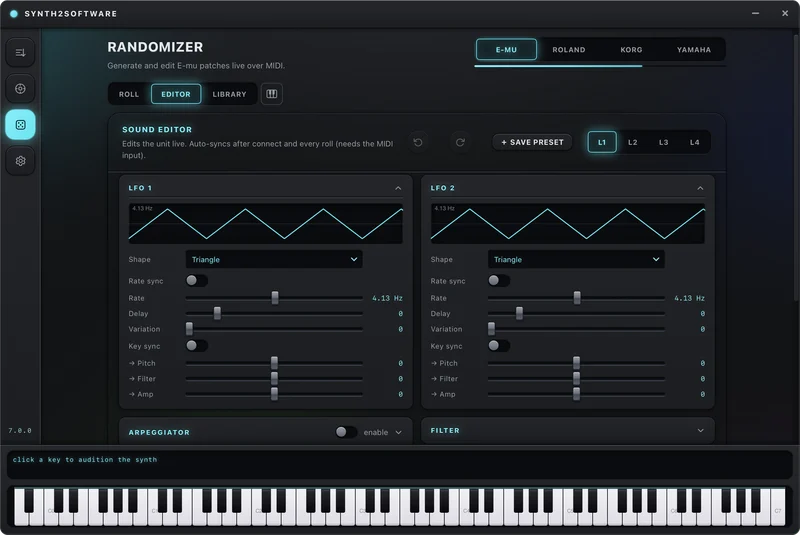
Edit Voice/Layer (PCM), Filter, ADHSR, LFO, Step LFO, Arpeggiator and FX parameters directly via MIDI Out.
Six ways to roll
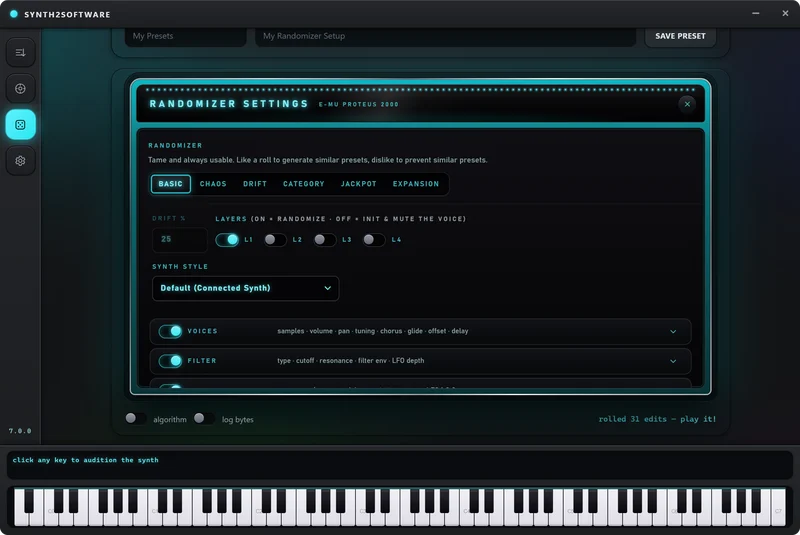
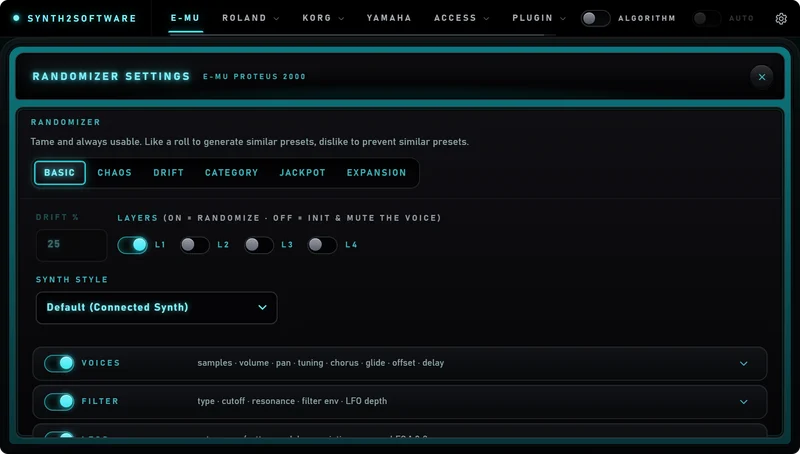
Real randomization, via MIDI Out, no drivers needed, choose what you want to randomize, per-parameter odds you control. Restrictions keep sounds usable. Generate sounds you would actually use.
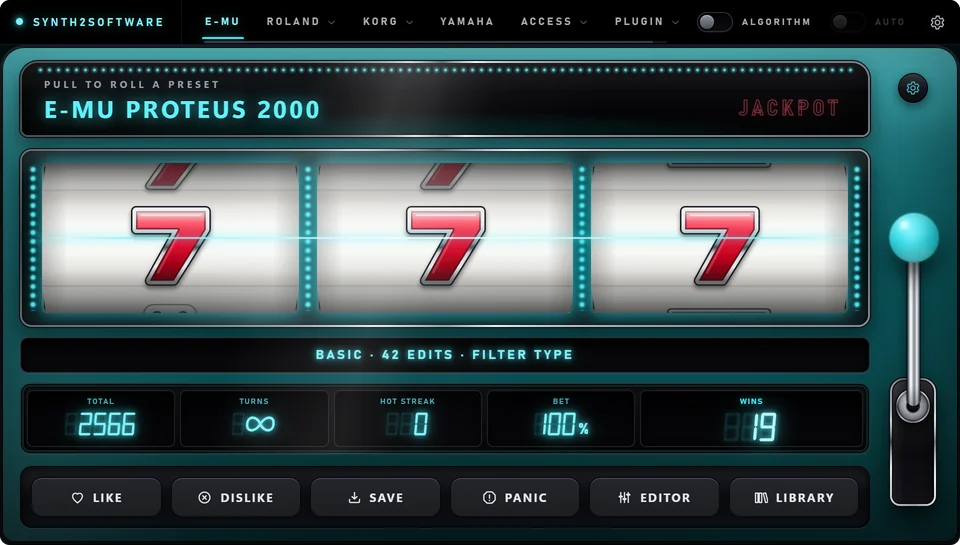
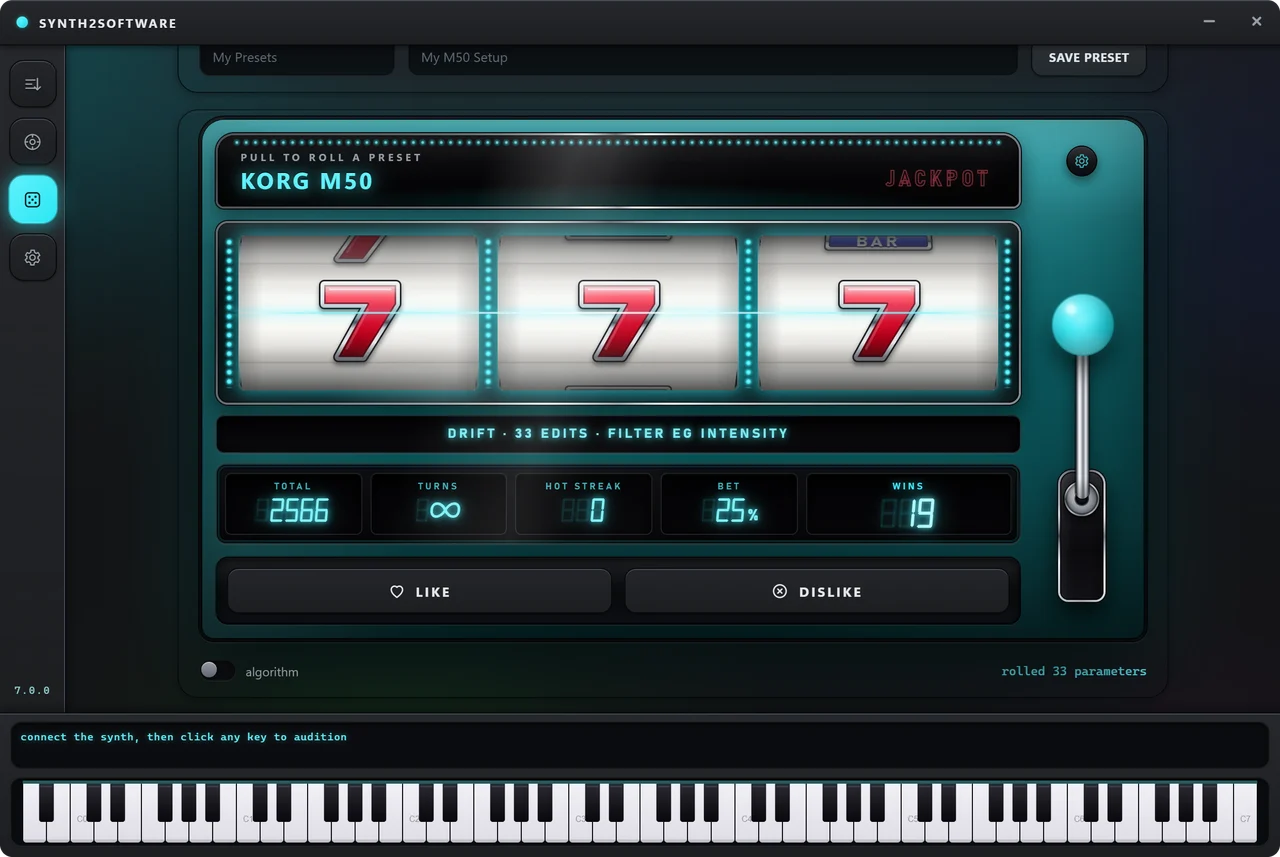
The slot machine
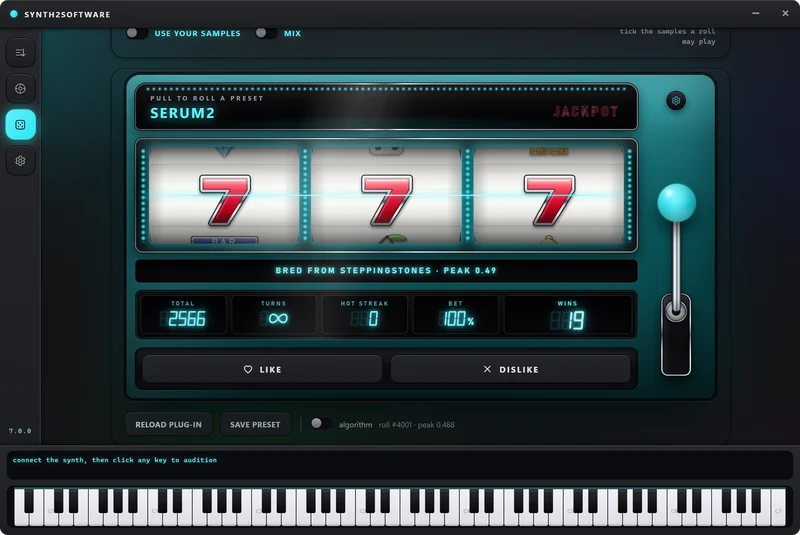
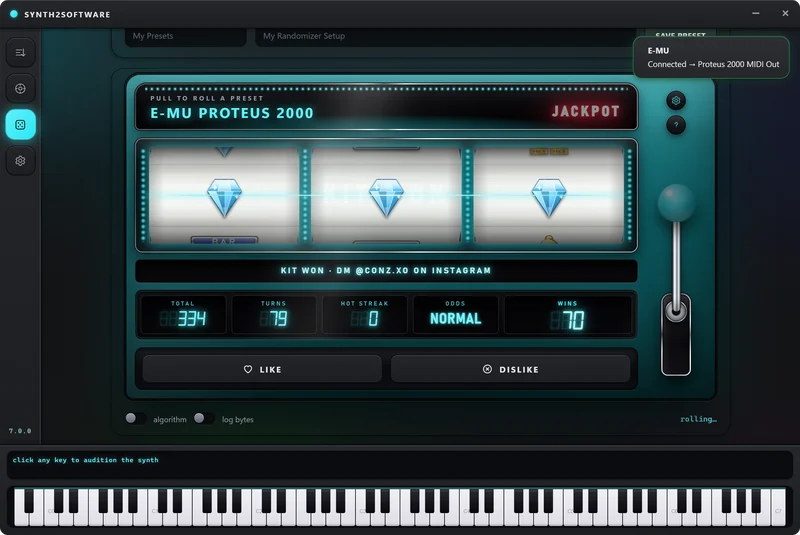
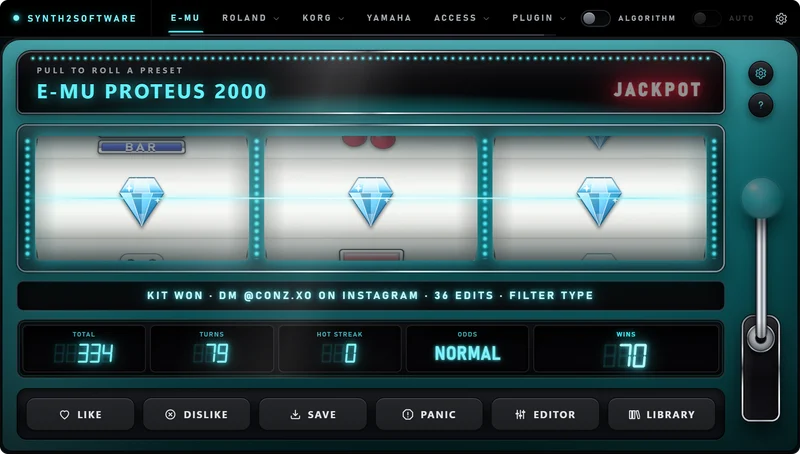
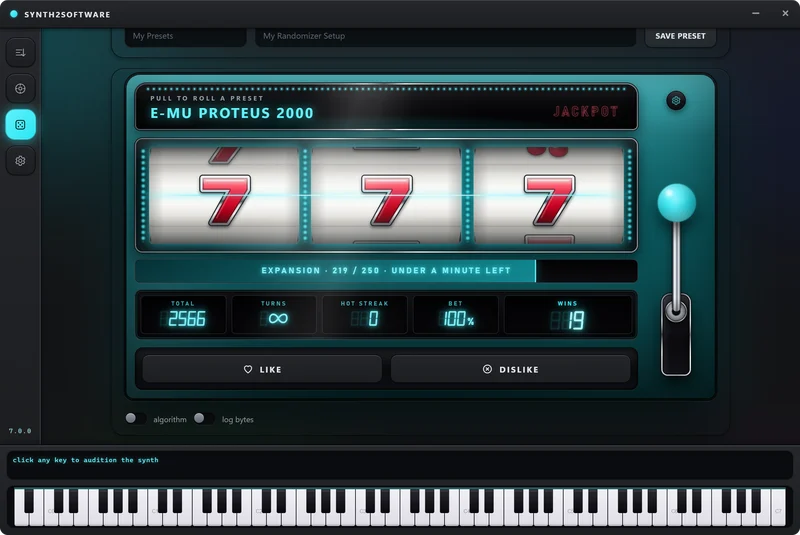
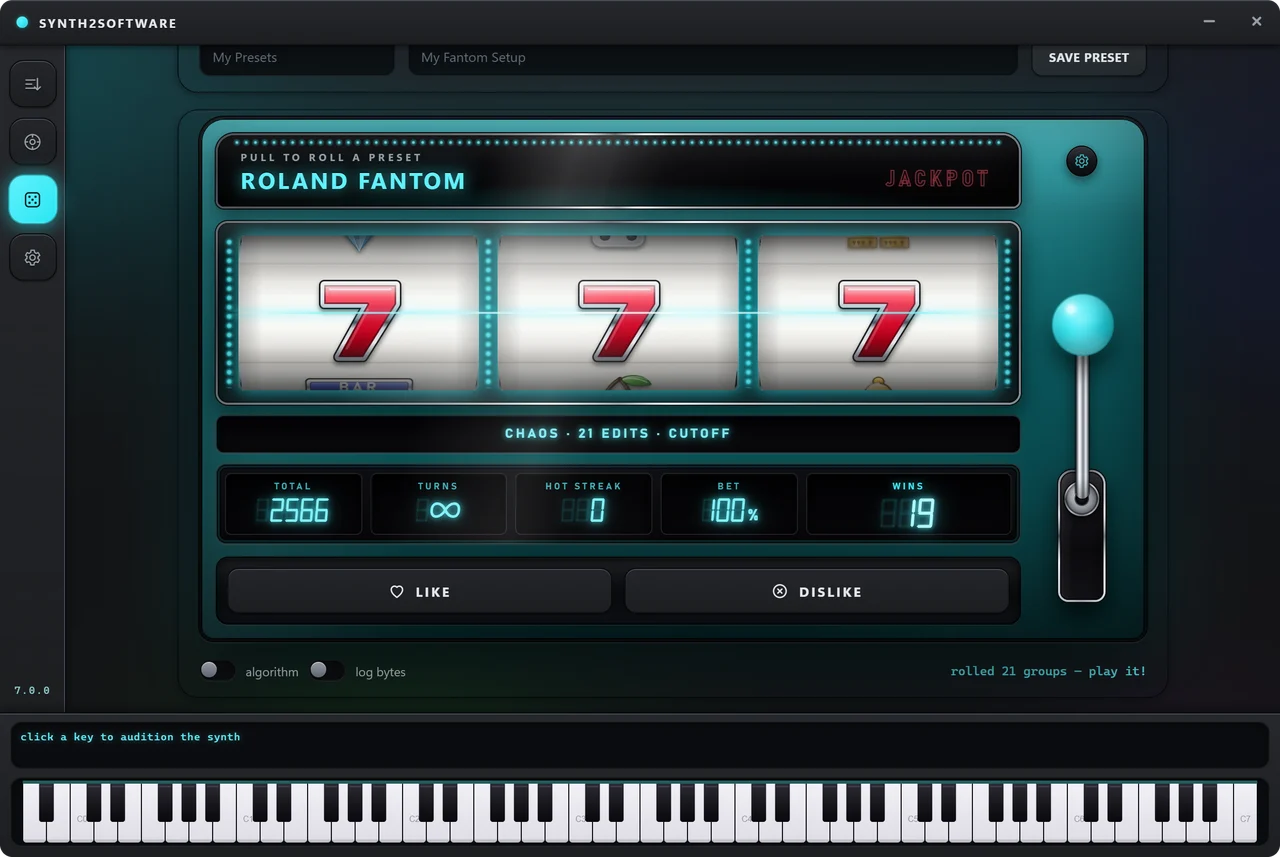
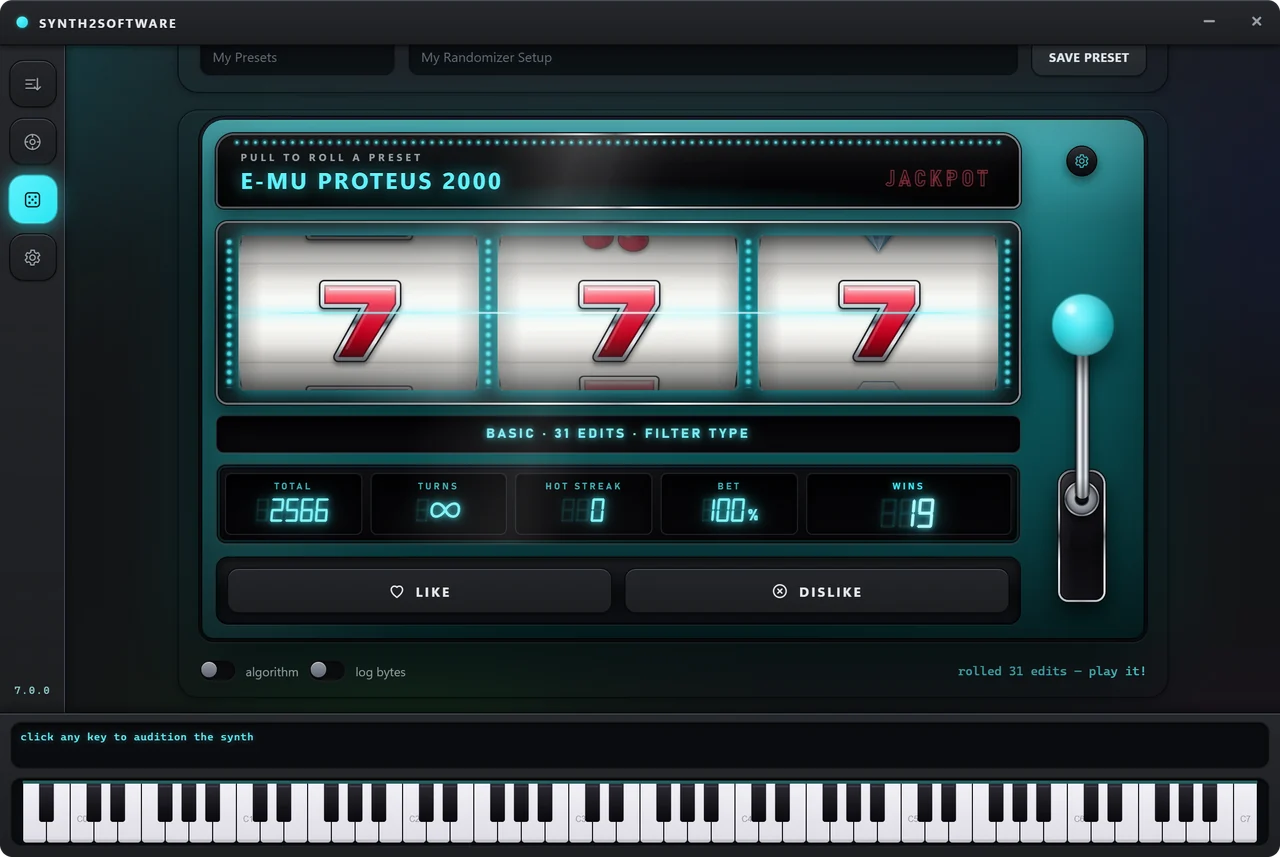
Every randomizer opens on a real slot machine in 7.0.0. Pull the lever and the reels spin while the engine rolls; the win line says what it changed, and the readouts count your rolls, turns and wins.
Jackpot
The odds machine. Every pull rolls a new preset and plays for a prize — free rolls, a free week or a kit — drawn on the server, provably fair.
Expansion
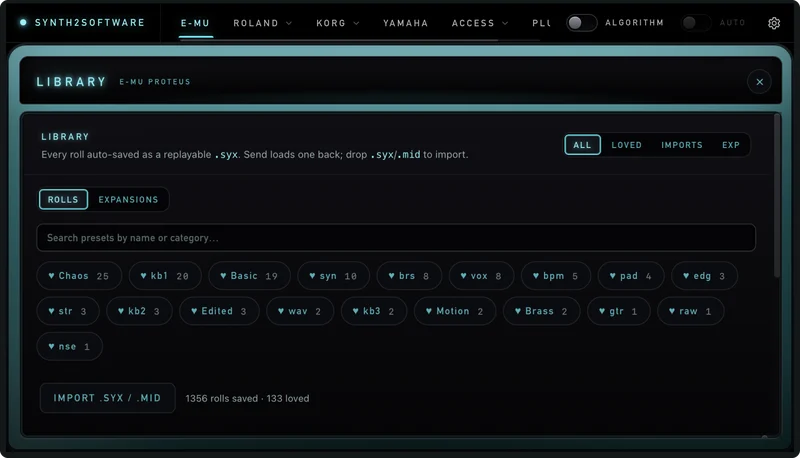
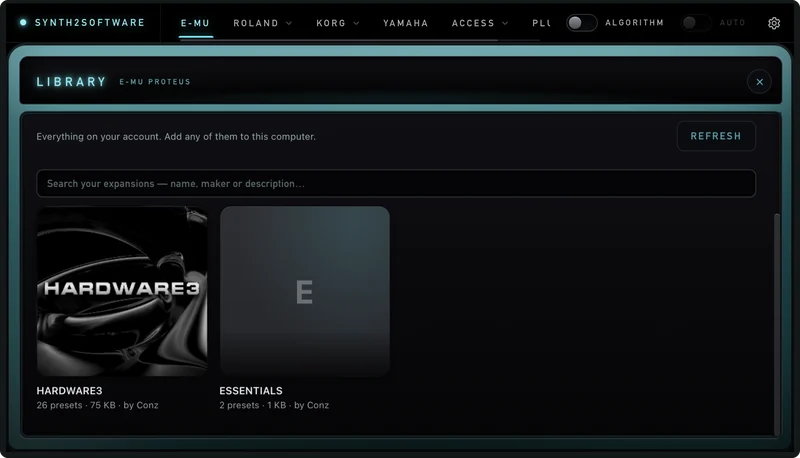
A whole bank in one pull: 2 to 1,000 presets at once, on all eight randomizers. The bank lands in your Library as its own expansion.
Synth Style
Roll your synth in the style of another, every E-MU sound set, the Fantom-X or the M50 or a mix of them.
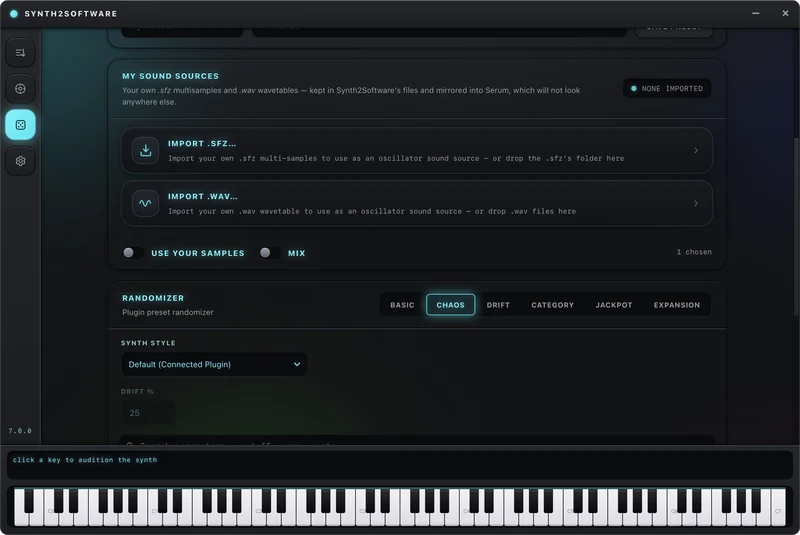
Serum 2 sound sources
Choose the wavetables and samples Serum 2 rolls from, tick them as cards, mix them, or drag your own in.
Generates random sound without restriction
No restriction on any parameter you leave enabled. Filter Type, Cutoff, Envelopes, LFOs, Modulation, Patchcords, Waves per layer. You choose what gets randomized. Use the parameter sliders to increase the odds of the values being randomized.
- Genuinely random sounds but you choose how they sound
- Per-parameter odds, put the Filter env slider to 90%, LFO rate to 80%, Samples to 100%
- Generates presets via MIDI
Change the parameters of your favorite presets
Starts from the preset already loaded on your synth and moves it by the amount you set. Perfect when the sound is right but you don't want to keep using the same preset over again.
- The Drift % sets exactly how far you want the preset to move away from itself
- Keeps the character, change the details
- Roll repeatedly to take a sound somewhere new
Random sounds with restrictions
Generates sounds with parameter value restrictions for creating sounds that are almost always usable.
- Restrictions on every parameter
- Smaller wave pool so layers sound better
- Generates usable presets most of the time
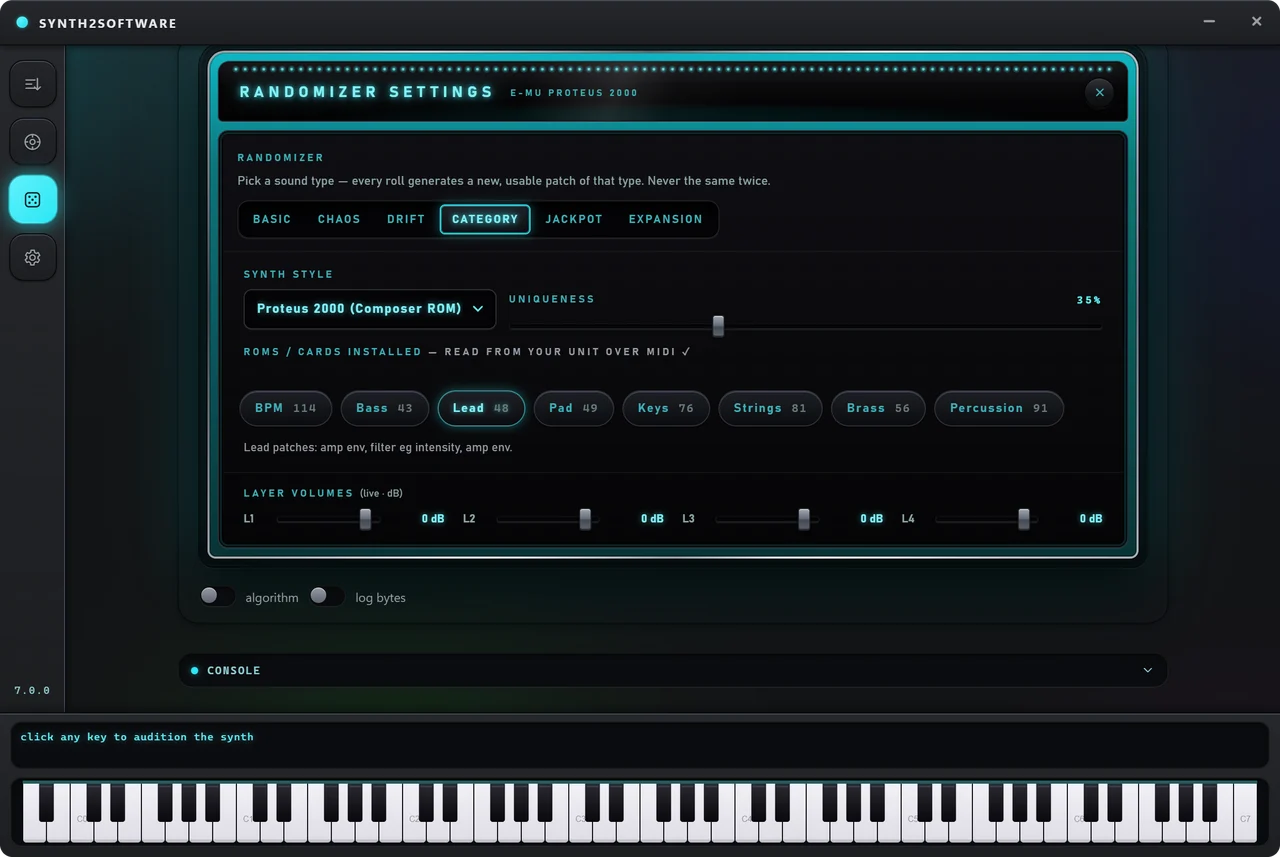
Choose a sound category and generate it
Choose lead, pull the lever, get a brand new lead sound different from what's already stock on the synth.
- Dozens of sound categories per synth
- A uniqueness slider to get different types of sound
- Choose expansion cards/roms you own so you can generate more
Synth randomizer support
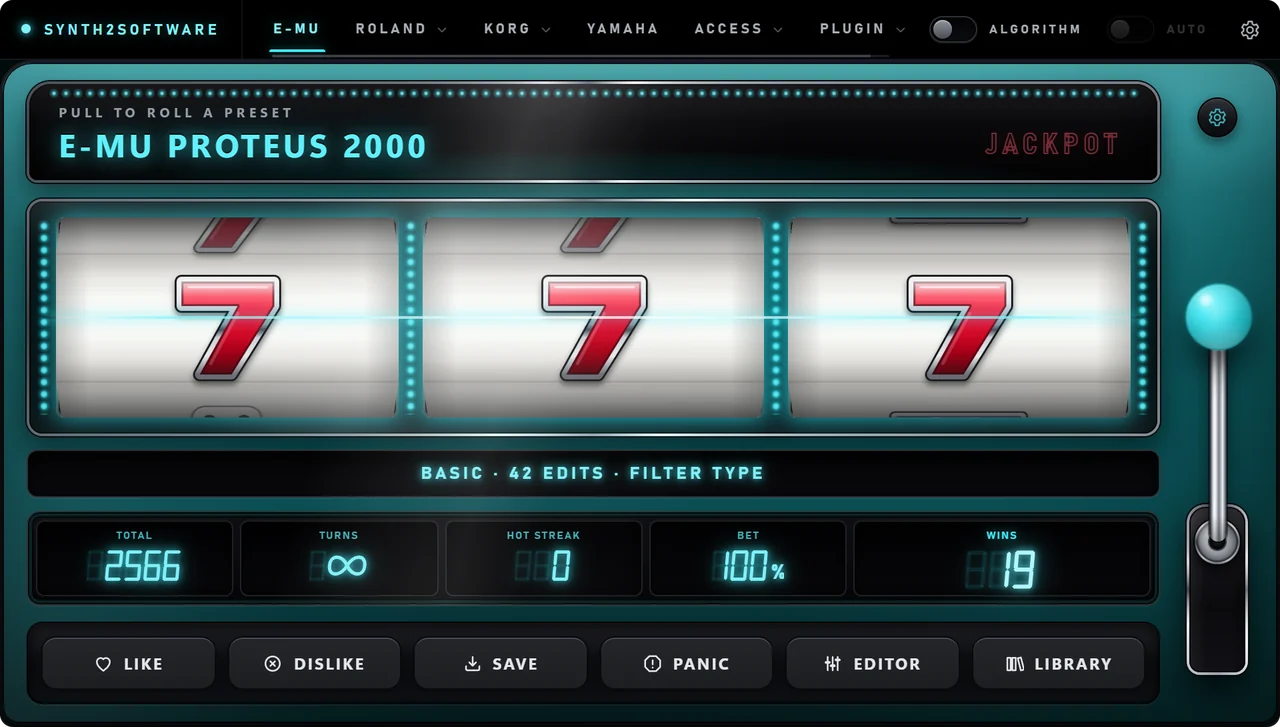
The slot machine, in your DAW
The randomizer, the patch editors and your library inside any VST3 host. Roll your hardware over MIDI, or Serum 2, OsTIrus and Dexed right in the session.
Get the plug-inIncluded with Monthly and Yearly
Every subscription comes with the full Randomizer Plug-in as well as the desktop app.
Every mode, every synth
Basic, Chaos, Drift, Category, Jackpot and Expansion, the same features as the desktop, sized for your session.
Turn your samples into working instruments
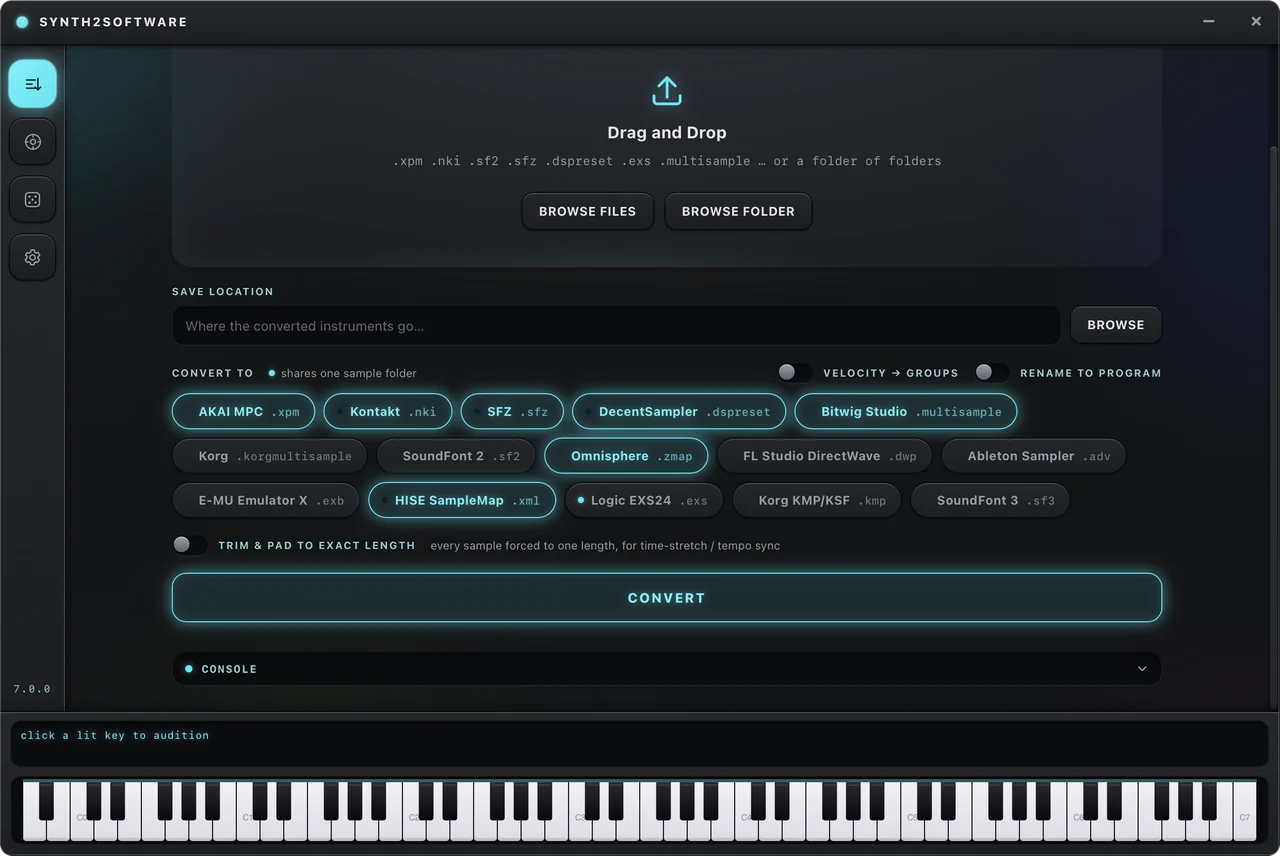
Convert whole libraries between formats, or turn raw samples into mapped, playable instruments. Thousands in a single run, and every sample can be renamed to match its program so nothing breaks when you load it.
Built for libraries, not single files
Take whole sample/instrument libraries, and convert them to work with other software.
- Convert a whole sample library in minutes
- Rename all samples to match the name of the instrument
Grand Piano C3 v2.wav - Auto note pitch detection from filenames and audio analysis
- A folder of samples becomes a mapped, working instrument
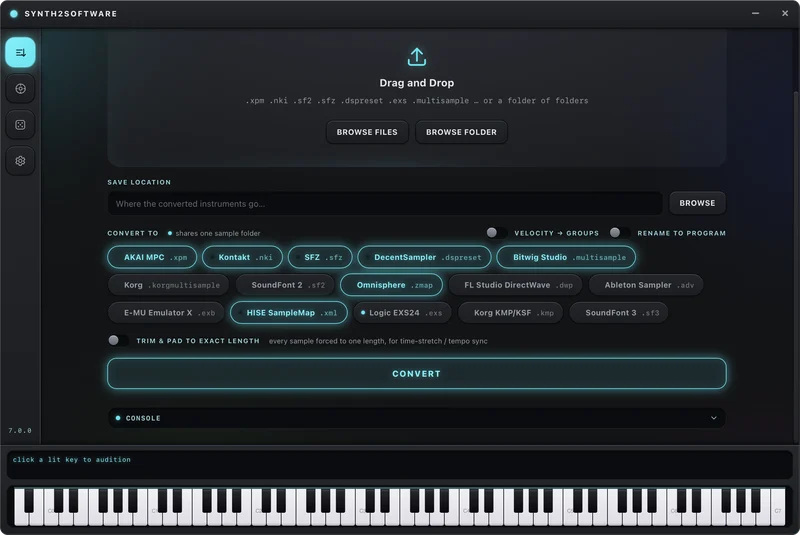
Fifteen formats, both directions
Read one, write any other — or render a folder of WAVs into all of them.
Capture it, layer it, ship it
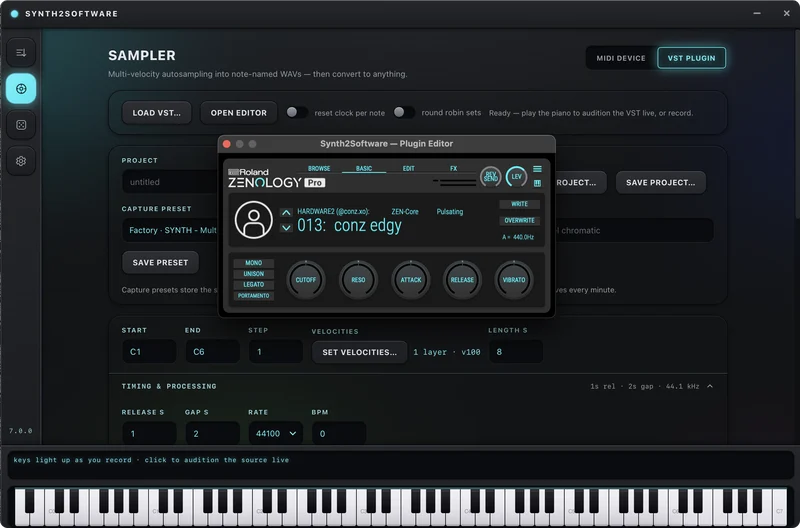
A multi-sampler powerhouse. Record hardware over MIDI or render a plugin offline, build proper multi-velocity layers, fix the loop points, keep it all organised, and save the setup for next time.
Sample your favorite presets from your synths
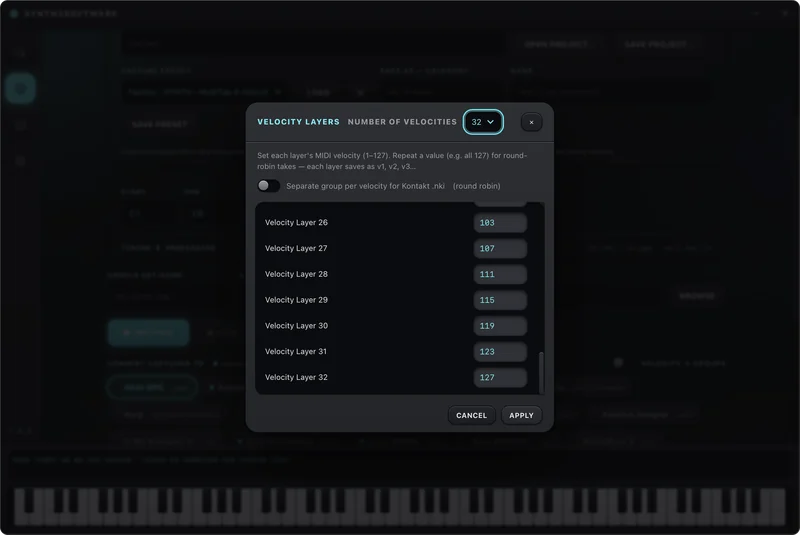
Pick your MIDI port, set the key range, set velocity layers for round robin or realism, press record. It plays and records every note for you, captures the audio coming back, and names and maps each file as it goes.
- Any MIDI device, synth or drum machine
- Automatic note detection and mapping
- Audition the presets live before recording
Turn any plugin into a sample library
Load an audio plugin and sample your favorite presets. Ideal for CPU-heavy plugins.
- Runs in its own process, so a plugin can't crash the app
- Faster-than-realtime offline rendering
- Same mapping, layering and export as hardware capture
Multi-layer velocity recording
Capture several velocities per key and keep them as separate layers, so the instrument responds the way the original did. Rerun a layer if a recording messes up.
Loop point editor
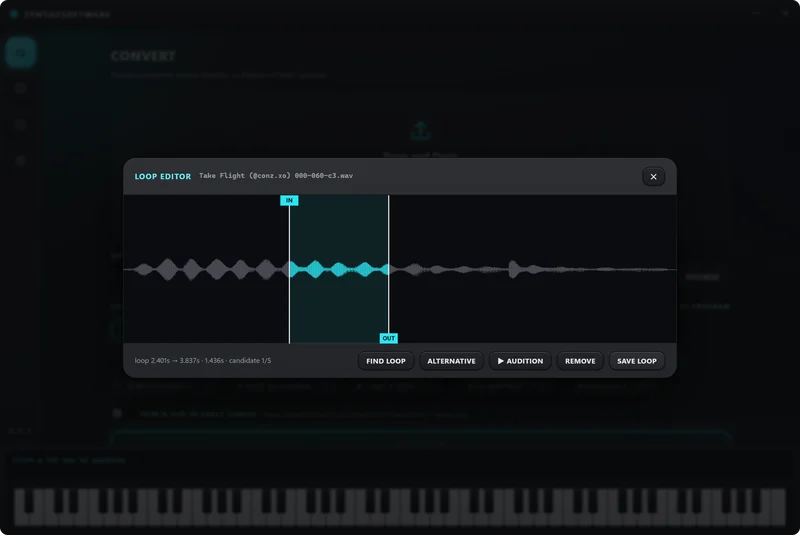
Pads and strings need to hold. The loop editor finds and lets you nudge loop points so a note can sustain without a click or a swell.
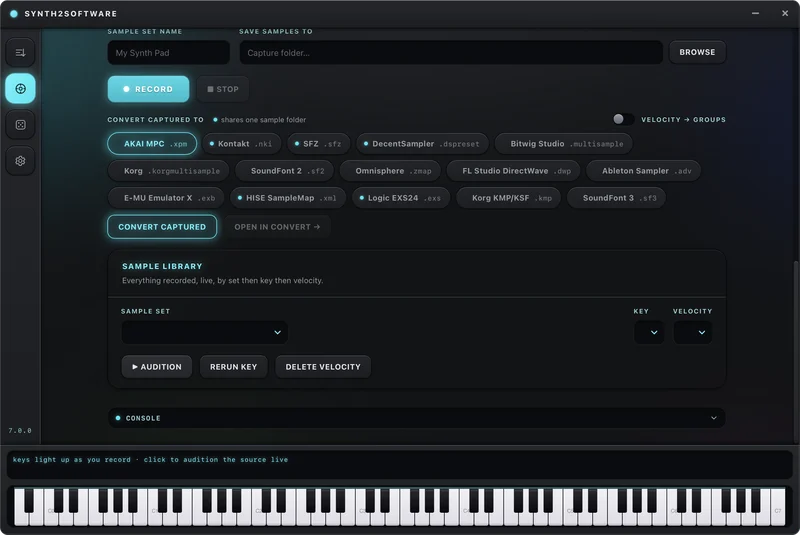
Nothing gets lost
Every sampler run lands in a library sorted by set, key and velocity. Audition any sample, rerun a key, or drop one velocity without touching the rest.
Edit every parameter
Edit Voice/Layer (PCM), Filter, ADHSR, LFO, Step LFO, Arpeggiator and FX synth parameters directly via MIDI Out, no drivers needed.
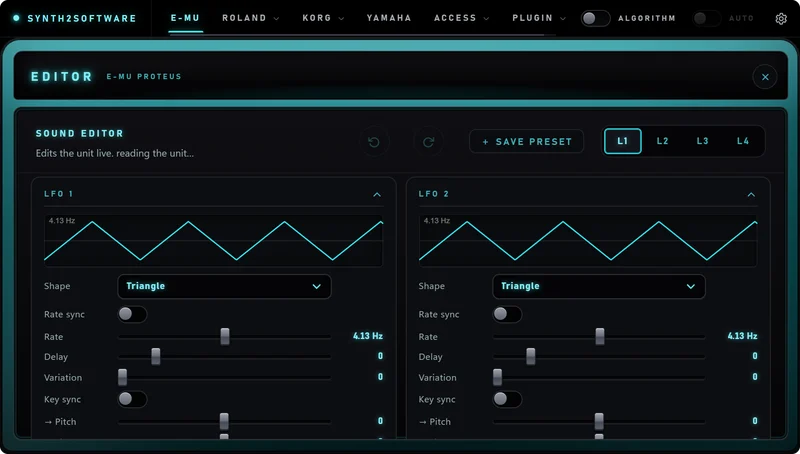
The E-MU sound editor
Filters, envelopes, LFOs, patchcords and every layer of a Proteus preset, live over MIDI — and it shows exactly what a roll changed.
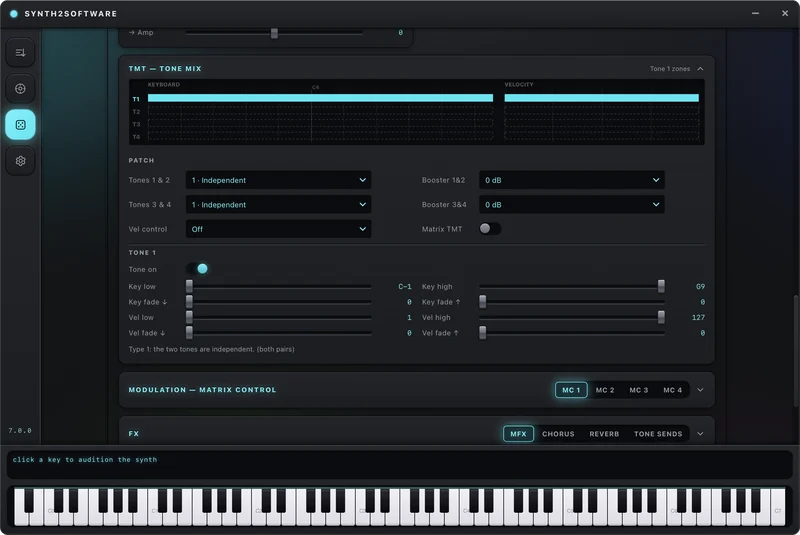
The Roland tone editor
Tone mix, TMT, the modulation matrix and the arpeggiator on the Fantom-X and the JUNO-DS.
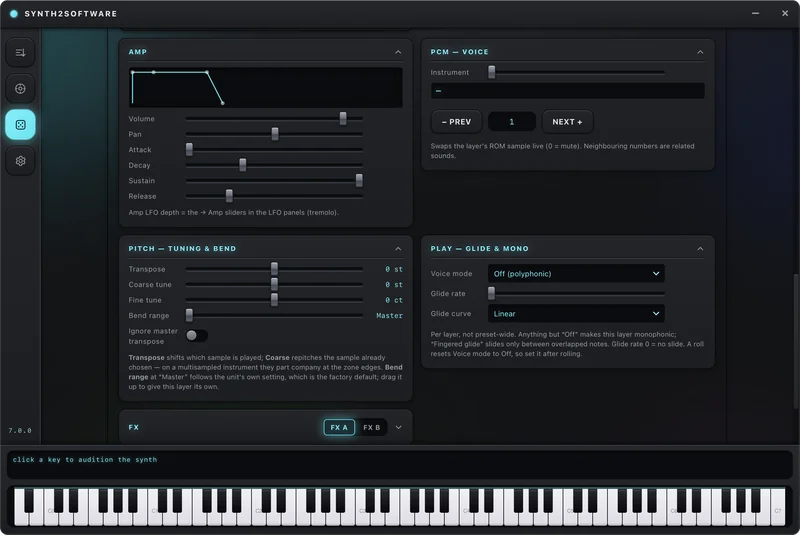
Amp, voice and glide
Volume, pan, tuning, chorus and glide per voice, beside the envelopes that shape them.
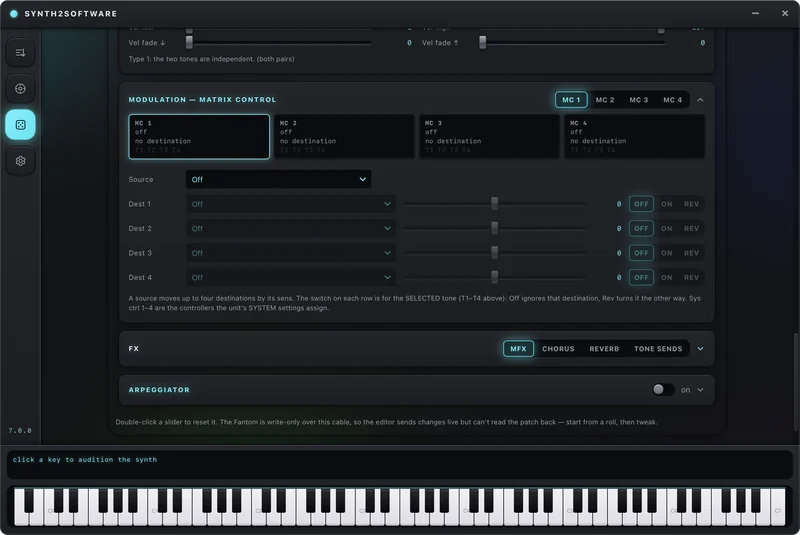
The modulation matrix
Route the Fantom's control sources to any destination, and see every routing a roll wrote.
In the plug-in too
The same editors open inside your DAW, beside the slot machine that rolled the patch.
Make it yours
Three built-in themes and a theme maker. Pick every colour, and the slot machine's cabinet follows.
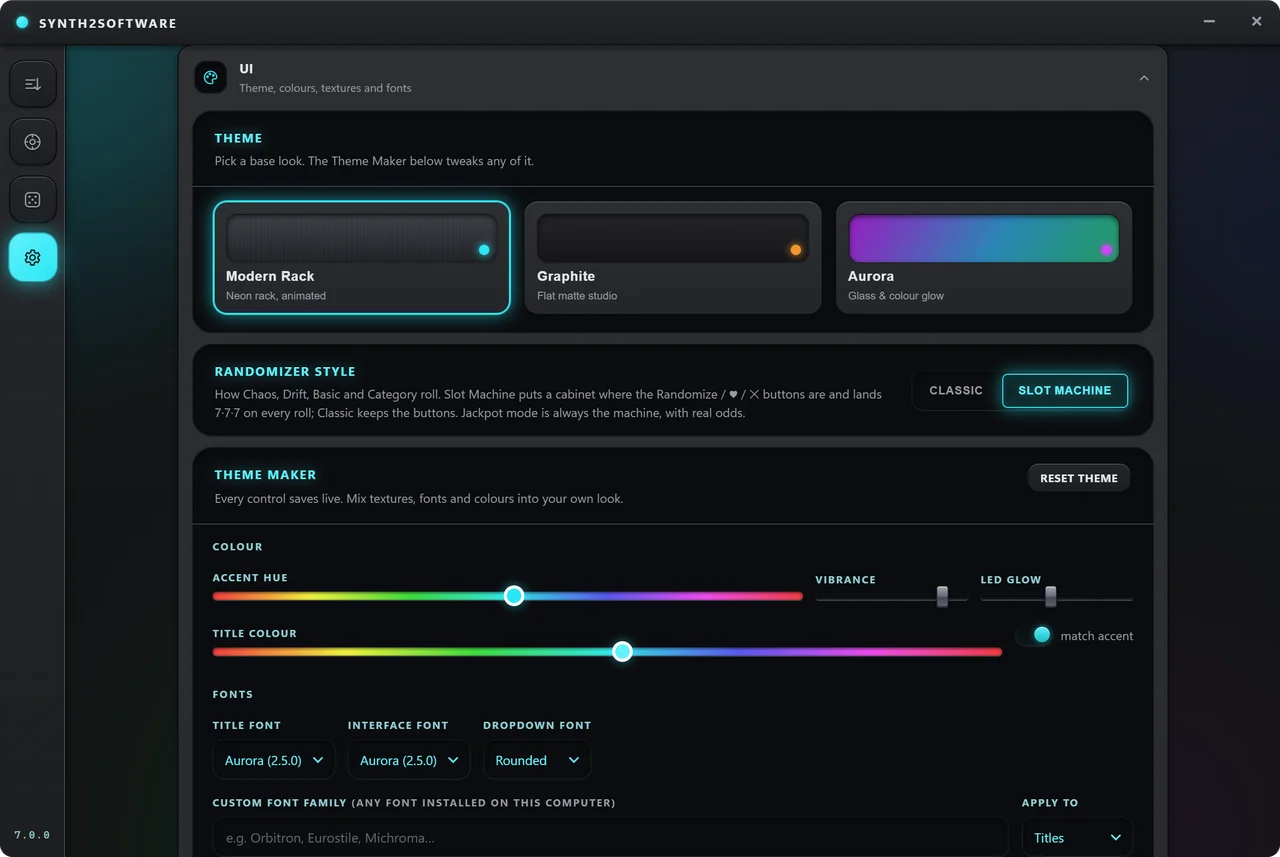
Answers without leaving the app
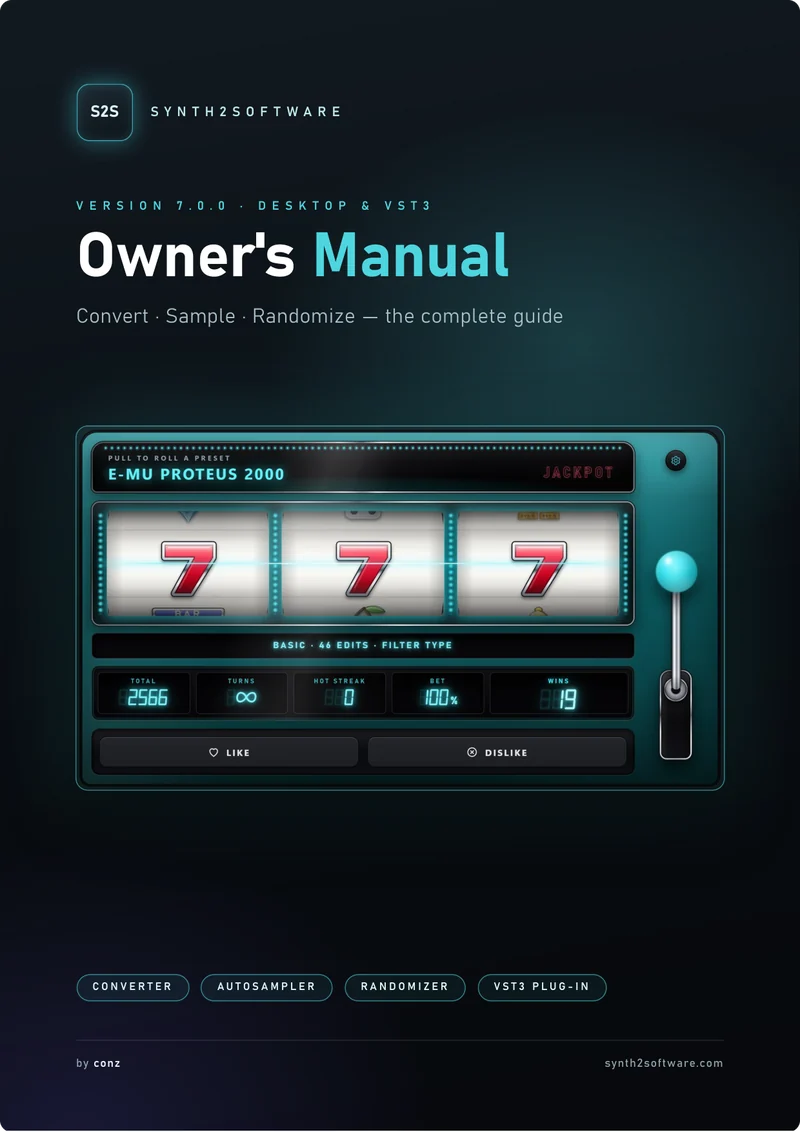
Press ? on the Settings page — in the desktop app or the plug-in — and the Owner's Manual opens. The first launch walks you through every page.
The Owner's Manual
107 pages, every screen explained, in color. It ships with the installer and opens from the ? button.
A guided tour on first launch
The slot machine, the editors, the library, the tour rings each control as it goes, and you can skip it any time.
Hear what your synth has been hiding.
Bring the hardware you already own. Leave with sounds it has never made before.